WELCOME TO NEXUS
Precision Built Into Every Profile.
NEXUS brings operator profiles, weapon configurations, save-file management, sensitivity tools, and client controls into one unified Rainbow Six Siege configuration experience.
Unified configuration
Local profile control
Precision tools

ONE UNIFIED SYSTEM
Everything connected.
One central workspace for operator profiles, configuration files, client controls, and normalized sensitivity input.
NEXUS WORKSPACE READY
ONE CENTRAL SYSTEM
Everything Organized Through NEXUS
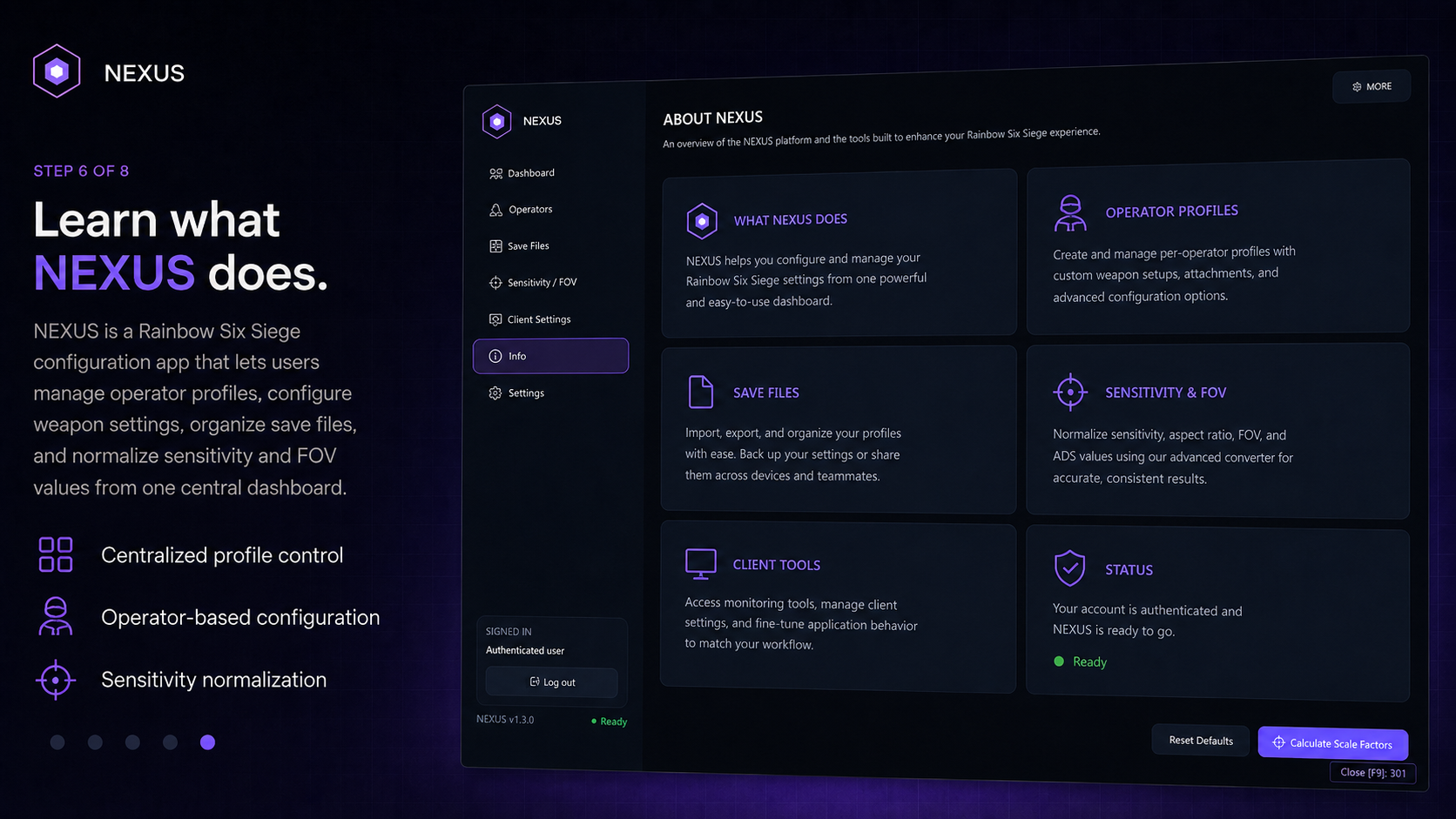
NEXUS is a Rainbow Six Siege configuration application that lets users create, manage, and automatically load custom settings for every operator and weapon from one central dashboard. Users can build separate primary and secondary weapon profiles, adjust their available configuration values, and save those profiles for later use.
NEXUS also brings save-file management, client controls, overlay options, sensitivity tools, profile importing and exporting, authentication, status monitoring, reset controls, and general settings into one unified system.
Operator Profiles
Create and assign dedicated logic structures to any individual operator in the roster.
Weapon Configurations
Isolate primary and secondary weapon setups securely within each saved profile.
Save-File Management
Keep local configuration and save files backed up, organized, and easy to access.
Client and Overlay Controls
Monitor active status, receive live profile feedback, and manage client visibility.
Sensitivity and FOV Tools
Use your exact setup inputs to produce normalized horizontal and vertical scale factors.
Profile Import and Export
Move complete operator presets and global configurations through portable profile files.
THE NEXUS LOADER
A Fresh Start for Every Session
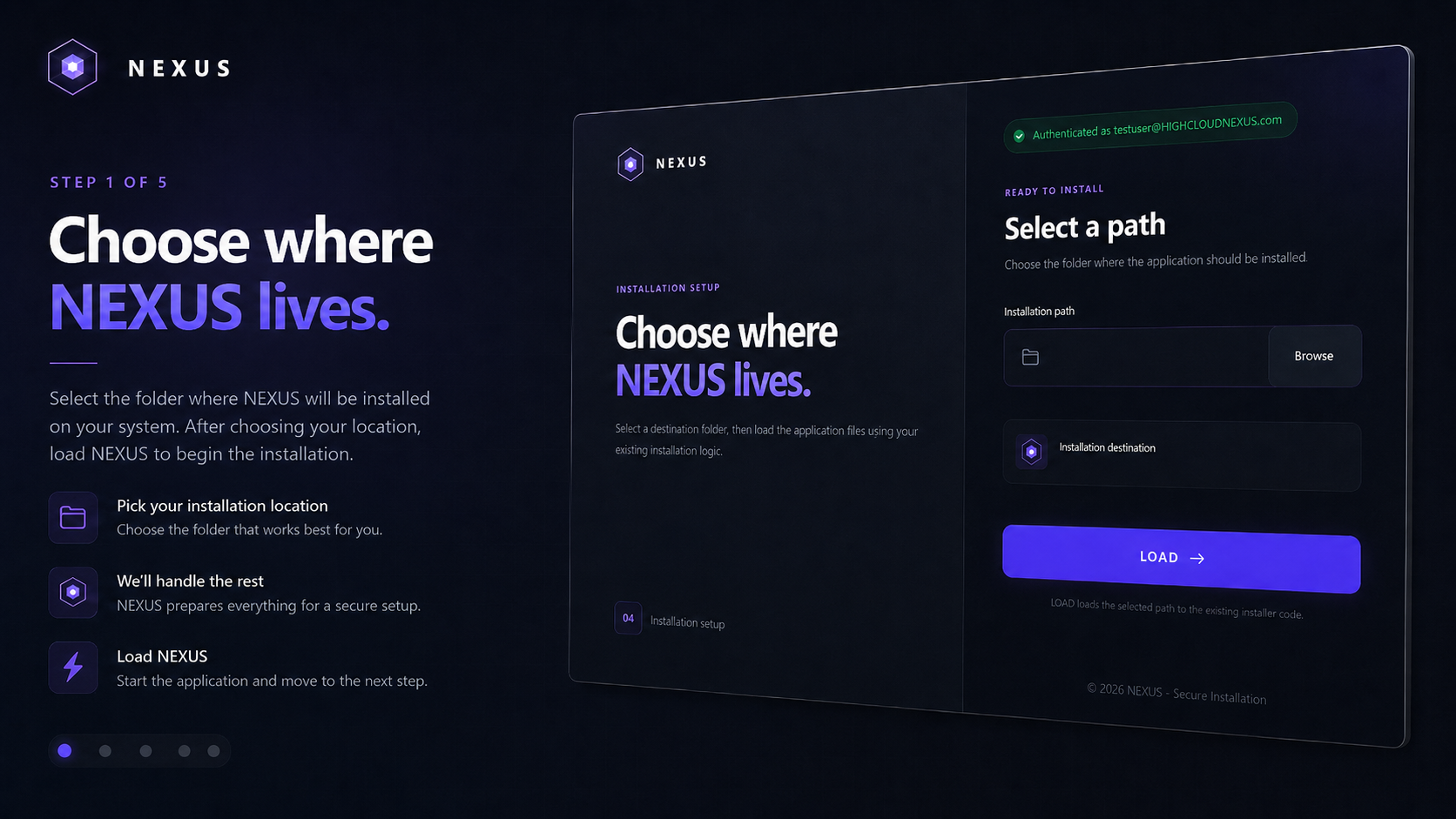
The NEXUS Loader prepares and launches the application while keeping installation and startup simple and consistent. Each time it runs, the loader dynamically selects a new application name from a predefined collection of neutral software-style names.
This gives each session a fresh identity without changing NEXUS, its saved profiles, settings, features, or functionality. The loader handles authentication, installation details, required files, configuration loading, and startup before opening the main application.
- 01Authenticate
- 02Prepare Files
- 03Select Session Name
- 04Load Configuration
- 05Launch NEXUS
CENTRAL CONTROL
Your Configuration at a Glance
The NEXUS Dashboard is the central control hub for the application, providing a clear overview of the current configuration, active operator and weapon profiles, monitoring status, and important client information.
Users can confirm that NEXUS is running correctly, see which settings are loaded, access frequently used tools, and move directly to operator profiles, save files, sensitivity controls, or client settings.
Unifiedprofile overview
Directfeature access
Livestatus visibility
PRECISION CONVERSION
Built Around Your Complete Setup
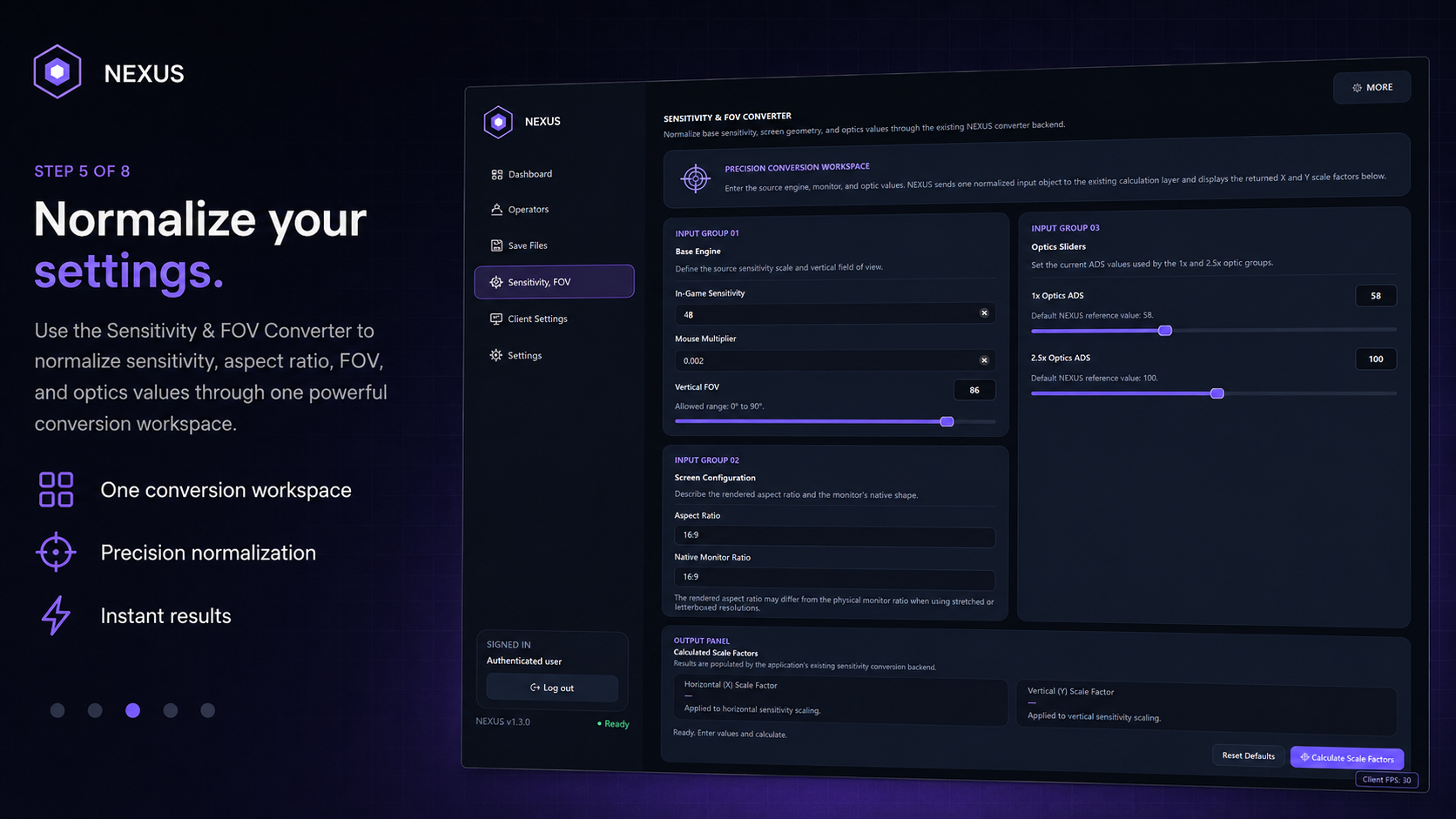
The NEXUS Sensitivity and FOV Converter uses every setting provided by the user, including in-game sensitivity, mouse multiplier, vertical field of view, aspect ratio, native monitor ratio, and 1x and 2.5x ADS values, to create a complete picture of the current setup.
NEXUS processes these inputs together and returns normalized horizontal and vertical scale factors designed around that exact configuration, helping maintain consistent and accurate sensitivity behavior without exposing the underlying conversion method.
Base sensitivity48
Vertical FOV range60°–90°
Multiplier0.002
Output resultCALCULATED
BUILT BY ONE DEVELOPER
Extensive Planning. Late Nights. One Vision.
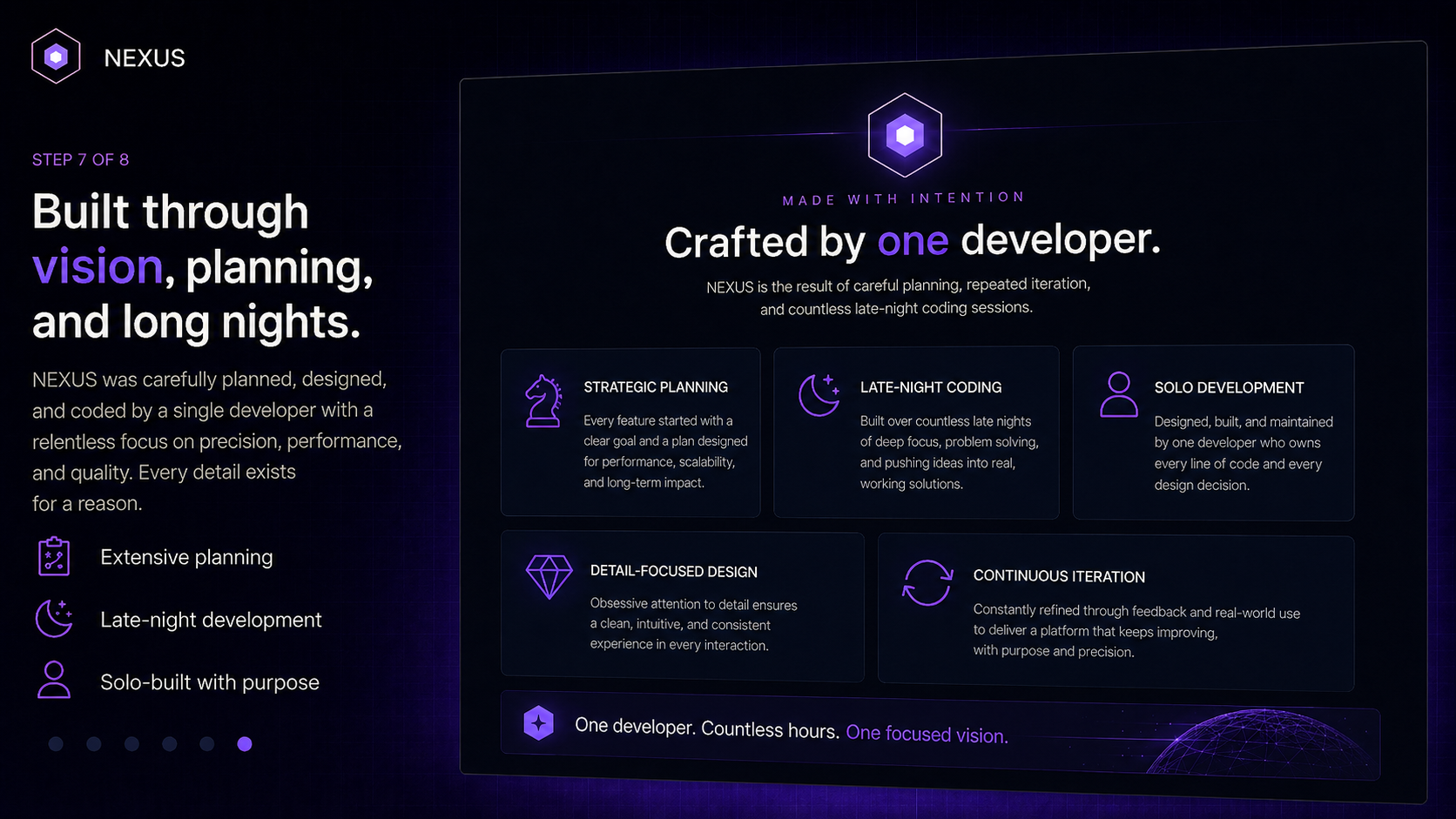
NEXUS is designed, planned, developed, tested, and refined by a solo developer. Every page, feature, interaction, configuration system, visual detail, and workflow is the result of extensive planning and many late nights spent coding, troubleshooting, rebuilding, and improving the application.
There is no large team behind NEXUS. Every part has been created through persistence, attention to detail, and a commitment to building one polished and connected system.
DesignedDevelopedTestedRefined
COMPREHENSIVE TOOLKIT
One application. Complete control.
A connected set of tools designed to keep profile management, configuration, conversion, and client control organized.
- Profiles for every supported operator
- Primary and secondary weapon configurations
- Automatic profile loading
- Save-file organization
- Client configuration
- Overlay controls
- Sensitivity and FOV conversion
- Profile importing and exporting
- Reset and recovery controls
- Authentication
- Application status visibility
- Unified configuration management
READY WHEN YOU ARE
Bring Every Configuration Together.
Manage your NEXUS profiles, settings, tools, and application workflow through one connected system.
One-month and lifetime license options are available. The one-month key does not automatically renew.